


Duplicate content on product pages occurs when identical or near-identical content appears across 2 or more URLs on the same website. It affects SEO by splitting link equity, wasting crawl budget, and causing Google to select the wrong URL as the canonical version. 6 causes produce this problem and 5 technical fixes resolve it.
What Is Duplicate Content on Product Pages?
Google Search documentation covers the official details in Consolidate duplicate URLs.
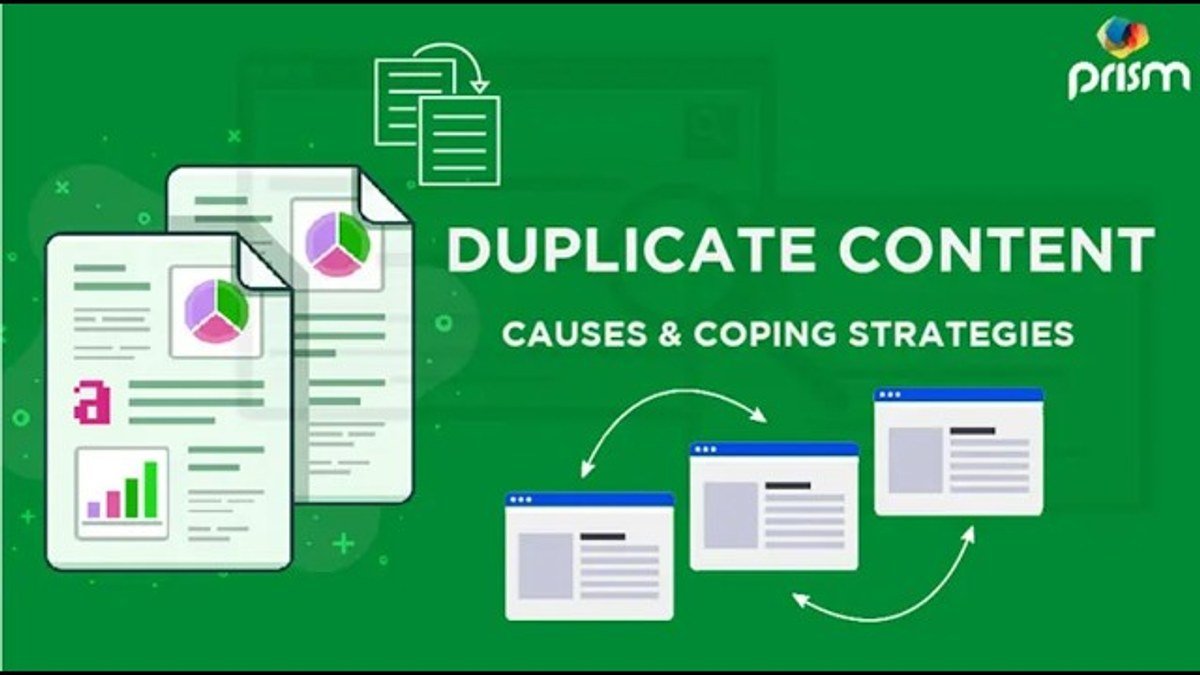
Duplicate content on product pages is content that is identical or substantially similar across multiple URLs. Google's Search Central documentation defines duplicate content as blocks of content within or across domains that either completely match other content or are appreciably similar.
Examples of duplicate product page content include:
How to Use Sentiment Analysis to Strengthen SEO Trustworthiness: 5 Proven Methods
301 Redirect Link Juice: How Much Passes, How Long It Takes, and 4 Best Practices
- A product description copied verbatim from a manufacturer and published across hundreds of product pages on a retailer's site.
- A single product accessible at 4 separate URLs due to color and size variant filters.
- The same product page indexed under both http://example.com and https://example.com.
- Product pages with session ID parameters generating thousands of unique URLs with identical content.
Does Duplicate Content on Product Pages Hurt SEO?
Yes, but not through a direct penalty. Google's John Mueller has confirmed that duplicate content does not trigger a manual penalty in the majority of cases. However, duplicate product pages produce 3 measurable SEO harms:
- Link equity dilution: Inbound links split across 2 or more duplicate URLs reduce the authority passed to any single page.
- Crawl budget waste: Googlebot crawls duplicate URLs instead of unique indexable content, reducing the number of important pages crawled per day.
- Incorrect canonical selection: Google selects 1 version of the duplicate to index and does not always select the version the site owner intends to rank.
According to Google's Search Central documentation, when Google detects duplicate content, it groups all duplicate URLs and selects 1 as the canonical version to represent the group in search results.
How Does Google Select a Canonical URL From Duplicate Product Pages?
Google selects a canonical URL from duplicate product pages using 4 signals: the presence of a declared canonical tag, the URL receiving the most internal links, the URL with the most external backlinks, and the URL consistently listed in sitemaps. Without a declared canonical tag, Google makes the selection algorithmically and its choice may not match the intended ranking URL.
What Are the 6 Causes of Duplicate Content on Product Pages?
The 6 causes of duplicate content on product pages are:
- Copied manufacturer descriptions: Using the same product description text supplied by the manufacturer as every other retailer selling that product.
- Product variant URLs: Each product variation (e.g., size, color, material) generating a separate indexable URL with identical page content.
- URL parameters: Filtering, sorting, and session ID parameters appended to product URLs creating hundreds of near-identical pages.
- HTTP and HTTPS duplication: The same product page accessible under both the HTTP and HTTPS protocol versions of the domain.
- WWW and non-WWW duplication: Product pages accessible at both www.example.com and example.com without a redirect consolidating the 2 versions.
- Pagination and print versions: Paginated product listing pages or printer-friendly versions generating duplicate URL sets.
How Do Product Variants Create Duplicate Content?
Product variants create duplicate content when each combination of size, color, or style generates a separate URL. A single shoe product offered in 3 sizes and 4 colors generates 12 separate URLs. If the product description is identical across all 12 URLs, Google treats them as 12 duplicate pages competing for the same ranking position.
How Do URL Parameters Cause Duplicate Content on Product Pages?
URL parameters cause duplicate content when filtering or sorting actions append parameters to the product URL without changing the core page content. For example, example.com/product?sort=price and example.com/product?sort=rating display identical content under 2 different URLs. Google may index both, splitting crawl resources and link signals between pages that serve the same content.
How Do You Find Duplicate Content on Product Pages?
Finding duplicate content on product pages requires 3 tools:
- Screaming Frog SEO Spider: Crawls the entire site and flags pages with identical or near-identical title tags, meta descriptions, and body content. Filter by "Duplicate" in the Content tab.
- Google Search Console: The Coverage report identifies pages Google has detected as duplicates and shows which URL Google selected as canonical.
- Siteliner: Identifies on-site content duplication by scanning page text against all other URLs on the same domain.
Run a full site crawl first, then cross-reference with Search Console coverage data to confirm which duplicate pages Google has already indexed.
How Do You Fix Duplicate Content on Product Pages?
Fixing duplicate content on product pages requires 5 steps:
- Add canonical tags: Place a
<link rel="canonical" href="[preferred URL]">tag inside the<head>section of all duplicate product variant pages, pointing to the primary product page URL. - Write unique product descriptions: Replace all manufacturer-supplied descriptions with original content. Each product page requires at minimum 1 unique descriptive paragraph covering features, specifications, and use cases.
- Handle URL parameters in Google Search Console: Navigate to the URL Parameters tool and configure filtering and sorting parameters as "Does not change page content" to prevent Google from crawling parameter-generated duplicates.
- Implement 301 redirects: Redirect all HTTP versions to HTTPS and all non-WWW versions to the chosen canonical domain format using permanent 301 redirects at the server level.
- Apply noindex tags to thin variant pages: Add
<meta name="robots" content="noindex">to product variant pages that cannot be given unique content and do not need to rank independently.
The table below summarizes each fix, the duplicate type it addresses, and where it is implemented:
| Fix Method | Duplicate Type Addressed | Implementation Level |
|---|---|---|
| Canonical tag | Variant and parameter duplicates | CMS template or page code |
| Unique product descriptions | Manufacturer description duplication | Content creation |
| URL parameter configuration | Filter and sort parameter URLs | Google Search Console |
| 301 redirect | HTTP/HTTPS and WWW/non-WWW duplication | Server (.htaccess or host settings) |
| Noindex tag | Thin variant pages | CMS template or page code |
How Does a Canonical Tag Fix Duplicate Product Page Content?
A canonical tag fixes duplicate product page content by telling Google which URL is the preferred version for indexing. Google consolidates link equity from all duplicate URLs to the canonical URL. This increases the ranking authority of the primary product page and removes competing duplicate variants from the index.
How Do Unique Product Descriptions Prevent Duplicate Content?
Unique product descriptions prevent duplicate content by ensuring each product page contains original text not found on any other URL on the site or across competing retailer sites. A unique description of 150 to 300 words per product page is sufficient to differentiate pages in Google's content evaluation systems. Google's John Mueller has confirmed in multiple public statements that unique, helpful product content is 1 of the most effective changes available for improving product page performance in organic search.
How Do You Prevent Duplicate Product Page Content From Returning?
Preventing duplicate content from returning requires 4 ongoing practices:
- Set canonical tags as a default element in the product page CMS template so every new product page automatically declares its canonical URL on publication.
- Block parameter-generated URLs in the robots.txt file to prevent Googlebot from crawling filter and sort combinations across new product categories.
- Audit product page content annually using Screaming Frog to detect newly introduced duplicate descriptions from supplier catalog data imports.
- Enforce a content policy requiring unique descriptions for every product SKU before the page is published on the site.
Canonical tags and unique descriptions work together as the 2 most effective long-term solutions for managing duplicate content across large e-commerce product catalogs.

Waleed Qamar holds a BSc in Computer Science from Purdue University and has spent the years since turning that technical foundation into something the curriculum never covered: figuring out why websites rank, why they fall, and why most businesses never find out until it is too late.
Pakistan-born and based between the United States and South Asia, he has managed search visibility for e-commerce stores, local service businesses, and SaaS startups across two continents. He started in SEO when guest posting still worked, survived the Penguin update, and has rebuilt client sites from scratch after algorithm hits more than once.
He has watched good businesses get sold packages that looked like progress and delivered nothing lasting. He has also seen the right approach quietly double a site’s traffic without a single press release about it.
His writing on SEO By Highsoftware99 covers Google algorithm updates, autocomplete optimization, semantic SEO structure, and the widening gap between what agencies promise and what Google actually rewards in 2026.
He knows what a traffic cliff looks like in Search Console on the morning you discover it.
